Automation ROI: Formula, Costs, Benefits, and Risk
A practical guide to automation ROI covering target outcome and workflow and ownership, risk, measurement, and clear next steps.
8 min read

How to Calculate Automation ROI Without Ignoring Risk addresses a business decision about how to compare current effort, error, delay, change cost, adoption, and operating ownership. Good planning makes the operating model visible before screens are approved. For automation return on investment, leaders should define the customer or employee outcome, the supporting operational workflow, the information that must remain trustworthy, and the evidence that will justify further investment.
A useful digital operating model connects how work enters the business, who decides what happens next, where trustworthy information lives, and how leaders learn from outcomes. Technology creates leverage only when those responsibilities become clearer.
Key takeaways
Define the decision first: How should leaders balance target outcome and workflow and ownership with measurable outcomes when planning automation ROI?
Plan the connected system: Treat target outcome, workflow and ownership, data and systems, and measurement and adoption as one operating model.
Expose risk early: Test assumptions around Unclear priorities, Process drift, and Adoption gap before a large commitment.
Measure the change: Track cycle time, error and rework, adoption, and service outcome with a named owner and response.
Start with the business outcome
For automation return on investment, that result is to compare current effort, error, delay, change cost, adoption, and operating ownership. Add boundaries early: the locations, customer groups, employee roles, products, channels, and systems that are in scope. These limits create a decision-ready first release rather than a smaller copy of an imagined final platform.
Trace one valuable process across customer contact, employee action, systems, decisions, and management review. Mark recurring delays, duplicate records, policy choices, and exception routes before deciding which layer should change.
Four areas to define before choosing features
1. Current Cost
Describe what current cost means in this business, who owns it, and what a successful state looks like. Capture the normal path and the most costly exception. This prevents a tidy interface from hiding unresolved policy or process decisions.
2. Expected Gain
Define the information, action, and handoff required for expected gain. Name the source of truth and who can correct a mistake. If the step depends on another system, document what should happen when that dependency is unavailable or late.
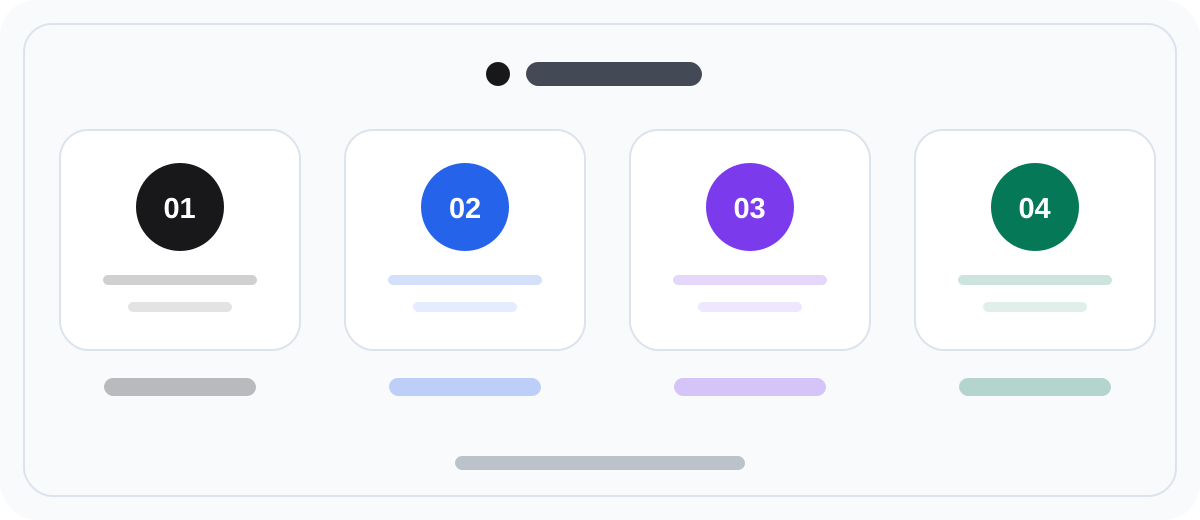
3. Delivery Risk
Treat delivery risk as part of the product rather than an implementation detail. Specify roles, permissions, useful status, and the staff workflow behind the screen. Include support and recovery so users are not trapped when the normal path fails.
4. Ownership
Connect ownership to a decision the business can actually make. Decide what evidence is needed, how often it must be current, who reviews it, and which response should follow. A report without an owner or action is decoration.
Decide what to measure
Measure adoption together with cycle time, rework, exception volume, customer outcome, and management response. A rising login count does not prove transformation if the old channels and reconciliation work remain necessary.
Manage the most likely risks
Decision area | Risk to make visible | Practical safeguard |
|---|---|---|
Current Cost | Unclear priorities | Confirm the decision rule with representative users before expanding scope. |
Expected Gain | Process drift | Name the source, owner, and correction path for the information this area needs. |
Delivery Risk | Adoption gap | Test one common failure or exception with the staff responsible for recovery. |
Ownership | Weak evidence | Define the launch measure, operating owner, and response before release. |
Build a roadmap around evidence
4. Scale the evidence
For a related example of planning a connected product rather than an isolated screen, see this Anemo business guide.
Plan adoption and operating ownership
For automation return on investment, launch readiness includes more than deployment. Decide who prepares source data, communicates the change, trains the people responsible for current cost, handles questions, corrects records, and reviews ownership after release. Give staff a safe way to practice the real workflow and its common exceptions before customers or colleagues depend on it.
Design the exception model before the happy path is final
Write the five situations most likely to interrupt automation return on investment: missing information, conflicting rules, unavailable dependencies, changed circumstances, and a user who needs human help. Assign each situation an owner, a safe system state, a visible message, a staff action, and a route back to the journey.
Use current cost and expected gain to test where an exception first becomes visible. Use delivery risk to determine what context staff need, and ownership to record whether recovery succeeded. This turns exception handling into product scope instead of post-launch improvisation.
Estimate the first release using both normal and recovery paths. The extra clarity can reduce late redesign and helps the business compare current effort, error, delay, change cost, adoption, and operating ownership without pretending that every user and operational situation follows one ideal sequence.
A 30-day validation plan: Automation ROI
Days 1–5 — establish the current evidence. Before choosing an approach for Automation ROI: Formula, Costs, Benefits, and Risk, follow one real example from request to outcome. Record who starts the work, where a decision waits, which data is re-entered, and what proves completion. Put a number against the current state of target outcome and collect at least two examples showing how Unclear priorities appears today. The team can then evaluate change against a shared baseline instead of a collection of opinions.
Days 6–15 — test a narrow scenario. Use Automation ROI: Formula, Costs, Benefits, and Risk to frame one user group, one critical path, and one meaningful exception. Define the responsible role, required data, permission boundary, and fallback for workflow and ownership. If the test exposes Process drift or Adoption gap, do not add scope. Separate the cause, make the smallest useful correction, and run the same scenario again. The pilot should reduce the most expensive uncertainty, not demonstrate the largest number of features.
Days 16–30 — decide from outcomes and ownership. For Automation ROI: Formula, Costs, Benefits, and Risk, compare cycle time, error and rework, adoption, and service outcome with the baseline. Review the numbers beside user feedback, error evidence, and operational observation. Do not expand while ownership of data and systems or measurement and adoption remains ambiguous. Close the month with a short continue, revise, or stop decision that records the evidence, accountable owner, next review date, and the assumptions that still need to be tested.
A practical worksheet: Automation ROI
For Automation ROI: Formula, Costs, Benefits, and Risk, complete these five rows before making an investment or solution decision. The aim is not to write a long specification; it is to make the outcome, boundaries, and evidence behind the decision visible.
Decision area | What to record |
|---|---|
Target outcome for automation ROI | The user or business result that should change, its current baseline, and the decision owner |
target outcome | The normal journey, most important exception, responsible role, and evidence of completion |
workflow and ownership | Required data, authoritative system, freshness expectation, and correction route |
Priority risk | An early test and fallback decision for Unclear priorities, Process drift, and Adoption gap |
Measurement | Definition, source, review cadence, and response for cycle time, error and rework, adoption, and service outcome |
If the Automation ROI: Formula, Costs, Benefits, and Risk worksheet exposes conflicting assumptions, resolve them before expanding scope. Bring product, operational, and technical owners together to define the boundary for data and systems and the responsibility for measurement and adoption.
Frequently asked questions
How do you calculate automation ROI?
Annual benefit minus annual running cost, divided by the implementation cost. Benefit is hours saved times loaded cost, plus avoided errors and faster cycle time where you can price them honestly.
What is a realistic payback period for automation?
Twelve to twenty-four months for process automation. A projected payback under six months usually means the benefit was overstated or the running cost was left out of the calculation.
What gets left out of automation ROI calculations?
Ongoing licence and hosting cost, the internal time to maintain and change the automation, exception handling that still needs people, and the productivity dip during transition. Omitting these is what turns a good case into a disappointing outcome.
Related guides
Alongside Automation ROI: Formula, Costs, Benefits, and Risk, continue with Digital Transformation Roadmap: A 7-Step Business Guide.
Alongside Automation ROI: Formula, Costs, Benefits, and Risk, continue with Paperless Workflow: How to Digitize Paper-Based Processes.
If the work prompted by Automation ROI: Formula, Costs, Benefits, and Risk leads to a funded initiative that needs product strategy, design, engineering, or integration support, Discuss Your Digital Roadmap.
